A DIY Guide to Recording Your Family History

Whether you want to create a family keepsake, preserve a parent’s memories, or capture a grandparent’s life story before it’s too late, these simple recording tips will help you do it well. This free guide will show you how to record your parents’ or grandparents’ life story using just a smartphone, a quiet room, and a simple conversation.

1. Use Your Cell Phone
(It’s More Than Enough)
You do not need expensive cameras.
A modern smartphone like an iPhone or Samsung Galaxy can record excellent video.
Before you begin:
Clean the camera lens
Fully charge the battery
Make sure you have enough storage
Turn on airplane mode to avoid interruptions
Simple preparation makes a big difference.

2. Record With a Family Member or Friend Asking Questions
Stories come out better in conversation.
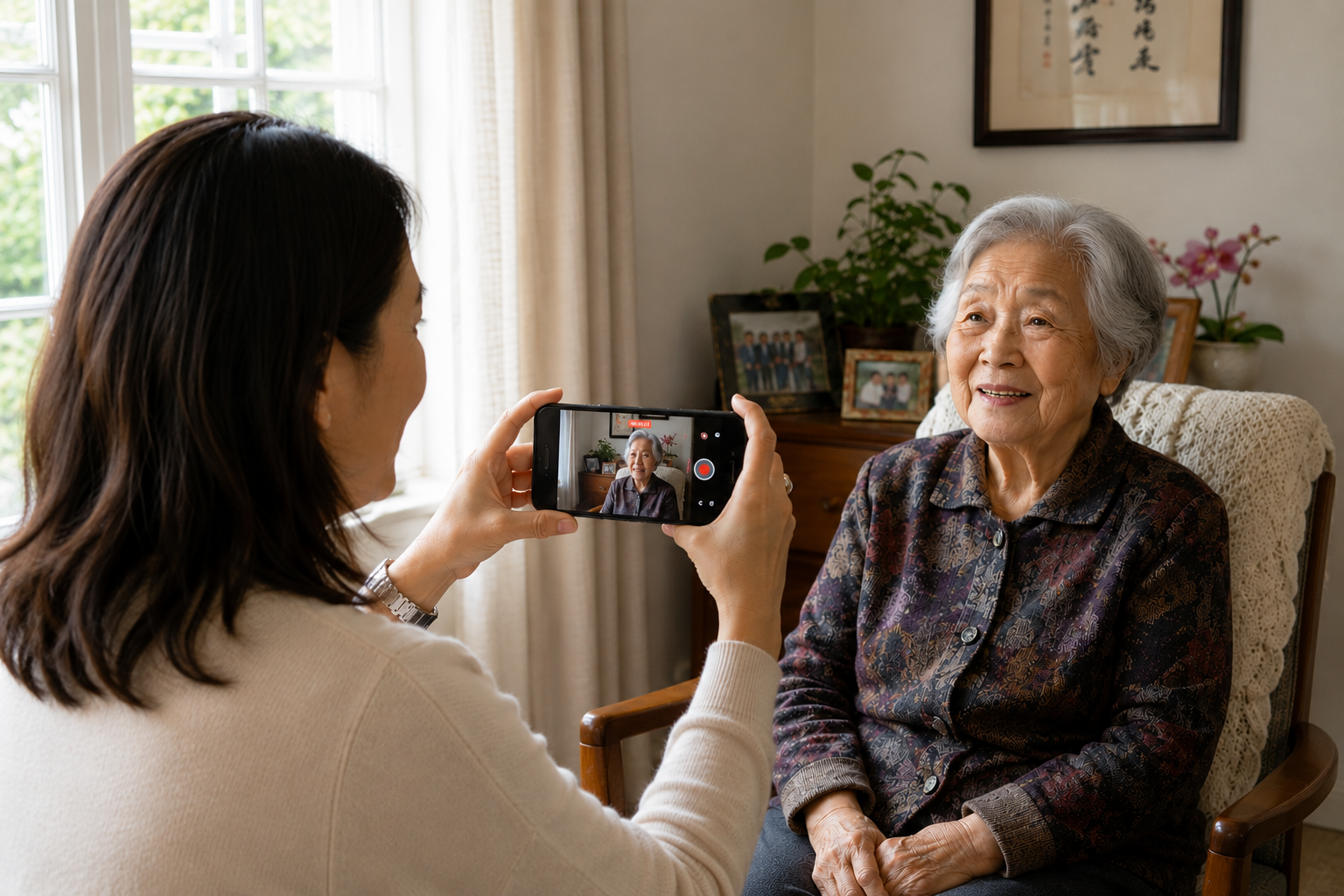
Instead of asking your parent or grandparent to speak directly into the camera, have someone they trust ask questions.
This makes the experience feel more natural and often brings out richer memories.

Enter your email and get our free guide:
15 Questions to Ask Your Grandparents
3. Find Good Light and a Quiet Room
Good lighting and clear audio matter.
Sit facing a window so natural light falls on their face.
Avoid bright windows behind them.
Choose a quiet room and turn off TVs, fans, air conditioners, and phones.
If the room sounds noisy to you, it will sound noisy on video too.

4. Keep the Phone Steady and at Eye Level
Shaky video can be distracting.
Set the phone on:
A tripod
A table
A phone stand
Position the camera at eye level for a natural, comfortable angle.
This creates a stronger sense of connection when watching later.
A mini tripod can cost as low as $20 on Amazon and be at your doorstep by tomorrow morning. Its worth the small investment!

5. Record in Landscape Mode
Turn the phone sideways and always record horizontally.
Landscape video looks better on TVs, computers, tablets, and phones when sharing with family.
It also feels more cinematic and intentional.

6. Record Shorter Segments
(About 5 Minutes Each)
Don’t try to record everything in one long session.
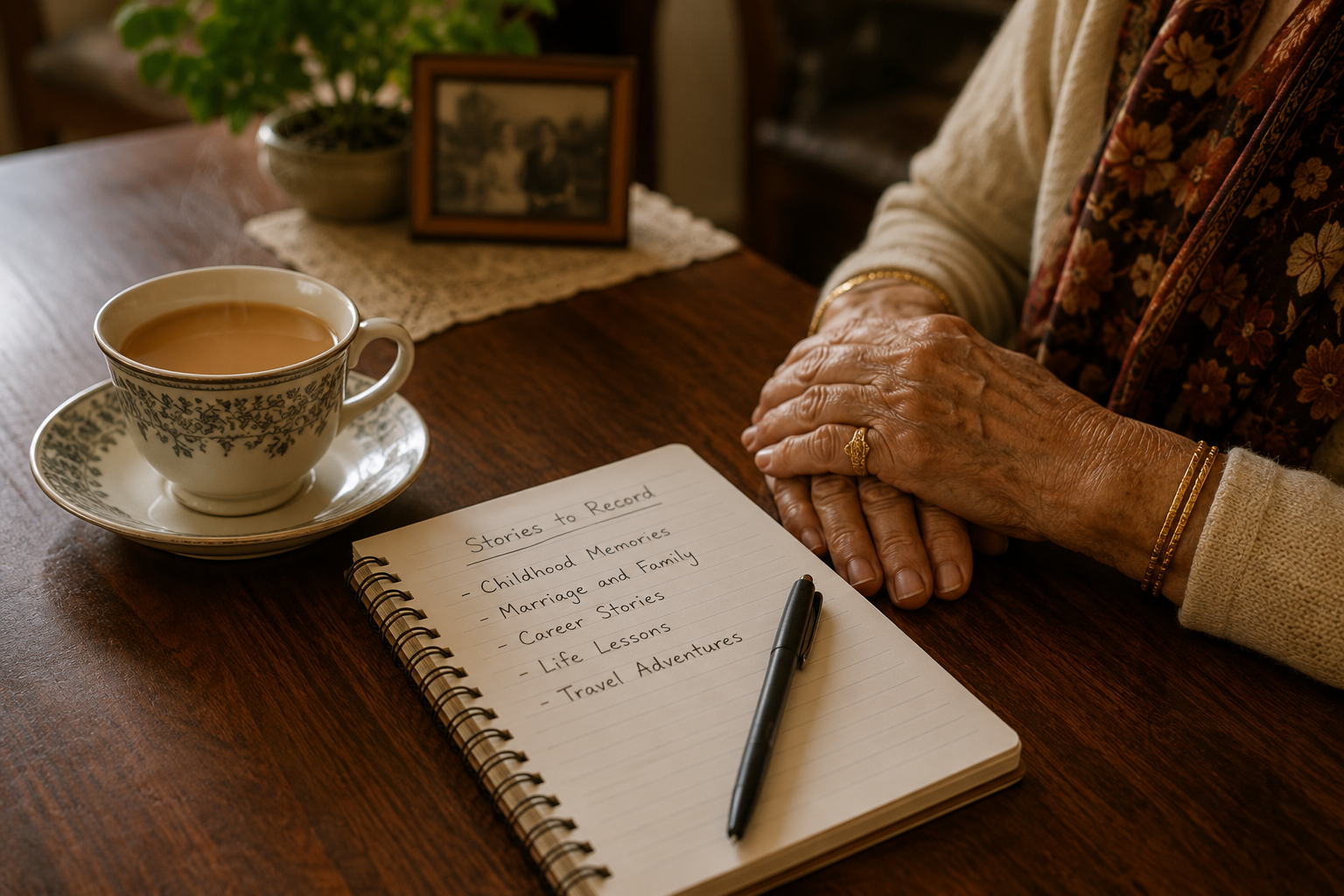
Break the conversation into shorter stories or topics.
For example:
Childhood memories
Marriage and family
Career stories
Life lessons
Shorter recordings keep file sizes smaller and make them easier to share, save, and organize.
7. Encourage Details, Emotion, and Slow Storytelling
The best stories are not rushed.
Encourage your parent or grandparent to slow down and include details.
Ask follow-up questions like:
What did that feel like?
What do you remember most?
What happened next?
The small details are often the most meaningful.
8. Send and Back Up the Videos Immediately
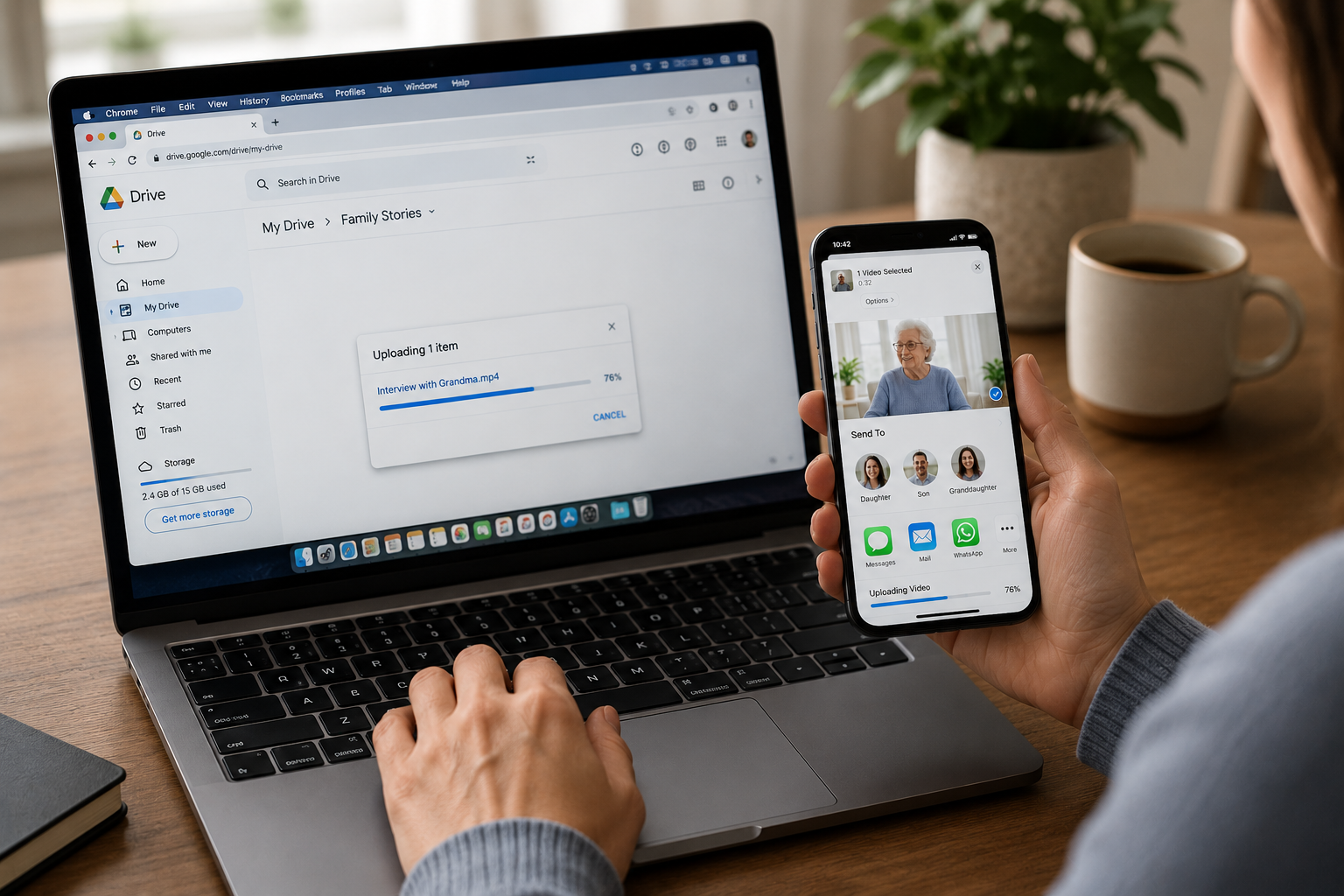
As soon as you finish recording, send the videos to family members right away.
Then back them up.
Free services like Google Drive, Dropbox, or iCloud make it easy.
Family stories are too valuable to risk losing.
Protect them immediately.
Want a Professional Legacy Film?
Family Legacy Films specializes in creating cinematic legacy films that preserve the voice, personality, and life story of the people you love most. Because one day, hearing their voice again will mean everything.